

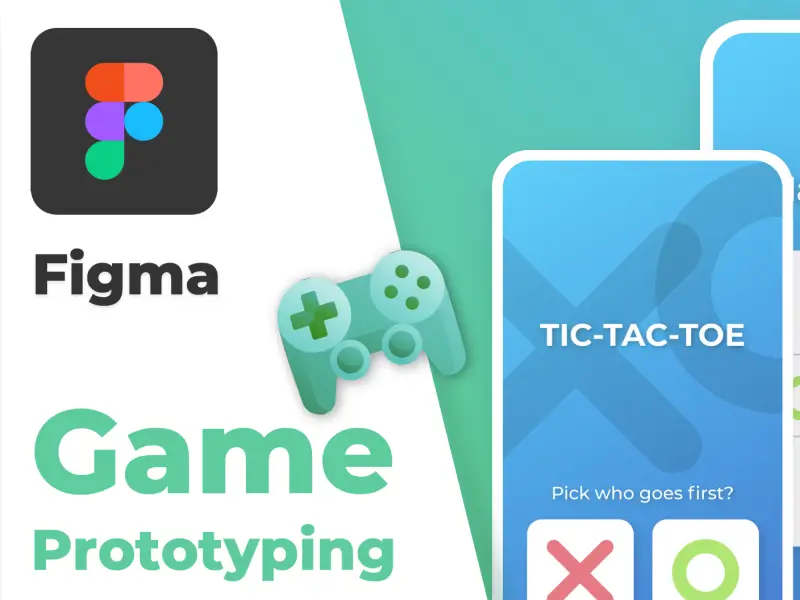
Forget mockups and static screens designers everywhere are losing their minds over a Figma Community file that turns a simple Tic-Tac-Toe game into a fully interactive design component kit!
This Tic-Tac-Toe Interactive Components resource in Figma lets you:
- Drop a playable Tic-Tac-Toe board right into your designs
- Click and interact with it like it’s a real game
- Prototype real logic without code
- Use the latest interactive component features to make your designs feel ALIVE
Designers are calling it the most fun thing ever on Figma, and for good reason: this file shows how far Figma’s interactive components have come a feature that lets you build reusable clickable behaviors directly inside your UI designs.
What Makes This So Crazy?
Here’s why everyone’s talking about it:
Play a Game in a Design Tool
You’re not just placing shapes you’re interacting with a game loop inside your prototype. This is next-level prototyping that feels like a real app.
No Code Needed
Using Figma’s interactive component system, Tic-Tac-Toe becomes more than a demo it’s a demonstrable experience you can reuse or remix.
Design + Play + Share
Imagine sharing your wireframe and someone actually playing it. That’s not just design that’s entertainment.
Why Designers Are Hyped
Figma’s interactive components, introduced in recent updates, let you build interactions between component variants without wiring dozens of artboards together and people are absolutely crushing it with creative uses like games, animated UI states, and even playable logic.
Some designers are even using these interactive tricks to build games like Sudoku or Minesweeper within Figma, proving that what was once just a design tool can now be a playable experience.
download the file Figma-tic-tac-toe