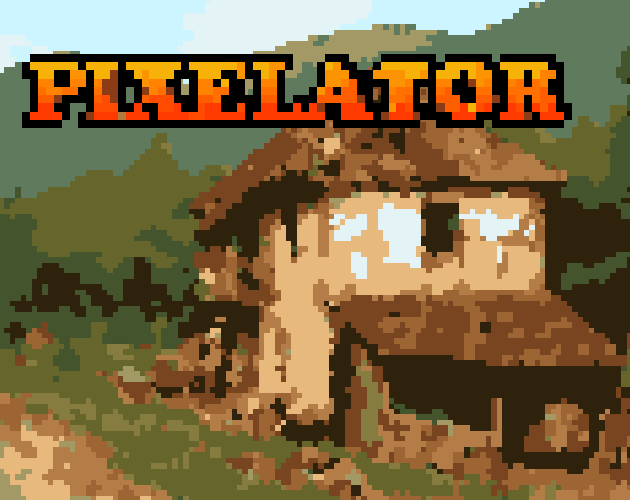


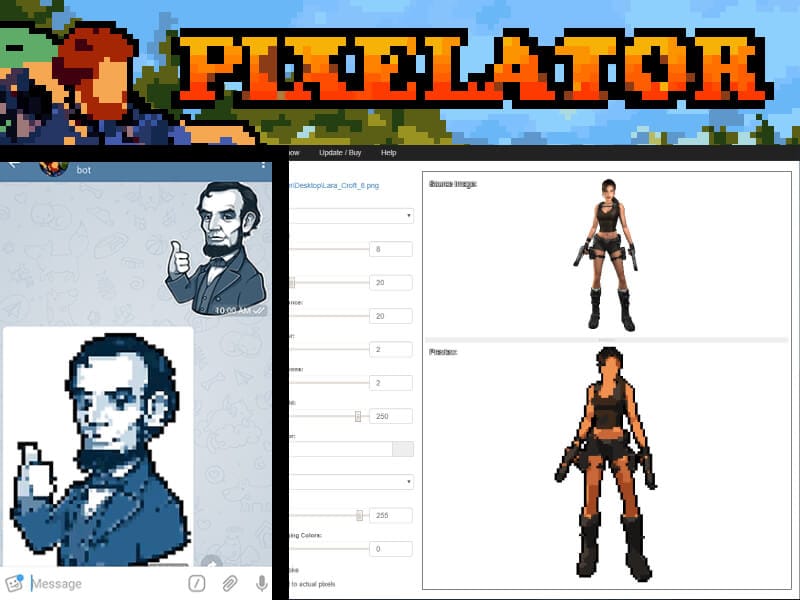
Pixelator is a smart image-to-pixel-art converter that makes creating pixel art fast, fun, and accessible even if you’re not a traditional pixel artist. It’s designed to take any photo or artwork and transform it into stylized pixel graphics that look great as sprites, posters, game assets, or creative visuals.
What Is Pixelator?
At its core, Pixelator is a desktop tool (Windows, Linux, and Mac support) that uses customizable filters and smart processing to convert regular images into pixel art. It isn’t just a simple “pixelate” filter it lets you fine-tune palettes, smoothing, outlines, and other effects to achieve different pixel art styles.
Users download a standalone app with a slick UI, where they can drag and drop images, adjust sliders, and see previews in real time. For automation and batch work, Pixelator also includes a command-line executable that lets you run the same transformations from scripts or pipelines.

How It Works
Pixelator processes images through a series of filters:
- Pixelation filter — defines how blocky the output looks.
- Palette application — applies a color set that gives your art a consistent retro feel.
- Smoothing and outline tools — refine edges and shapes to make pixel art feel intentional rather than rough.
These filters are all configurable, meaning you can experiment with wildly different looks from the same original image.
Export & Formats
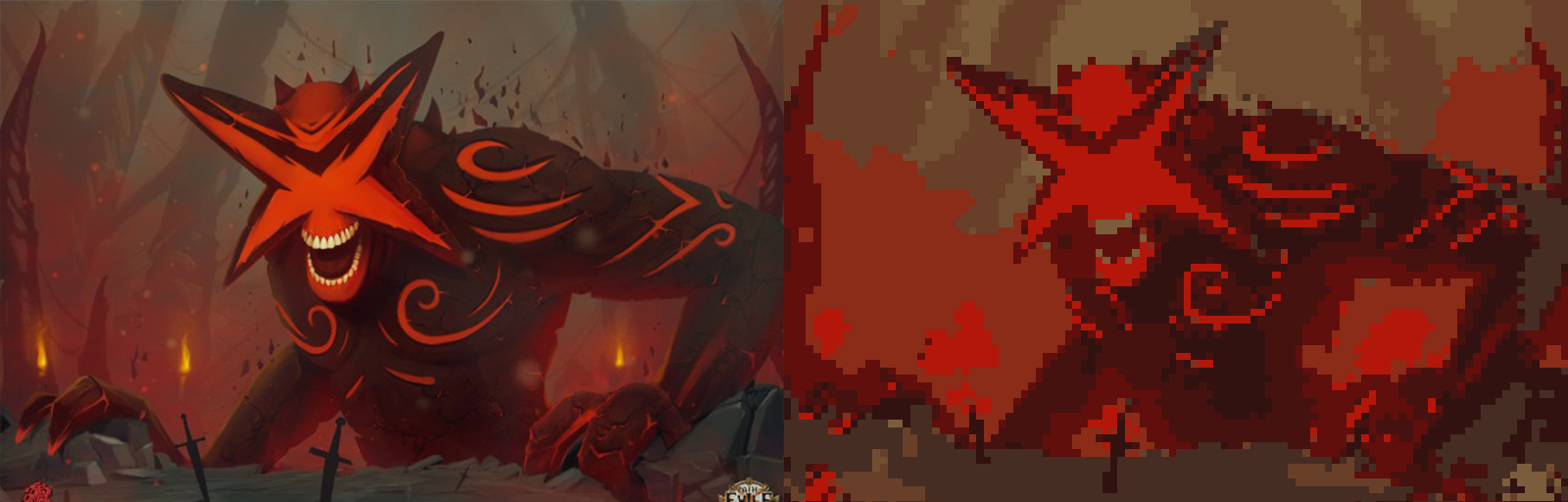
Once you’re happy with the result, Pixelator lets you export to all major image formats PNG, BMP, JPG, GIF, TIFF just by choosing the extension you want. That makes it easy to use your creations in games, prints, or web projects.
From Games to Rapid Prototyping
Pixelator is especially useful for:
- Game developers who need placeholder sprites or want to quickly generate pixel art from concept art.
- Designers and artists who want to experiment with retro aesthetics.
- Prototyping visuals before committing to hand-drawn assets.
Community posts on Reddit show that people use Pixelator to convert screenshots or photos into pixelated versions for creative projects, and that it works well even on Linux systems when properly installed.
Licensing & Commercial Use
Pixelator is free to download and try, but if you want to use it in commercial projects (like a game you sell), you need to purchase a license. The licensing terms allow individuals and small studios to use Pixelator commercially, but you must have a valid license at the time of your project’s release.
Some key points from the official FAQ:
- A studio license works for individuals or small teams.
- Licenses are tied to users or companies, not specific devices.
- You cannot offer Pixelator as a service or integrate it into other software without appropriate rights.
Tips & Tricks
- Remove backgrounds before pixelating if you want clean outlines transparent backgrounds help the outline filter perform better.
- If you run into errors exporting or installing, check folder permissions and make sure necessary redistributables are installed.
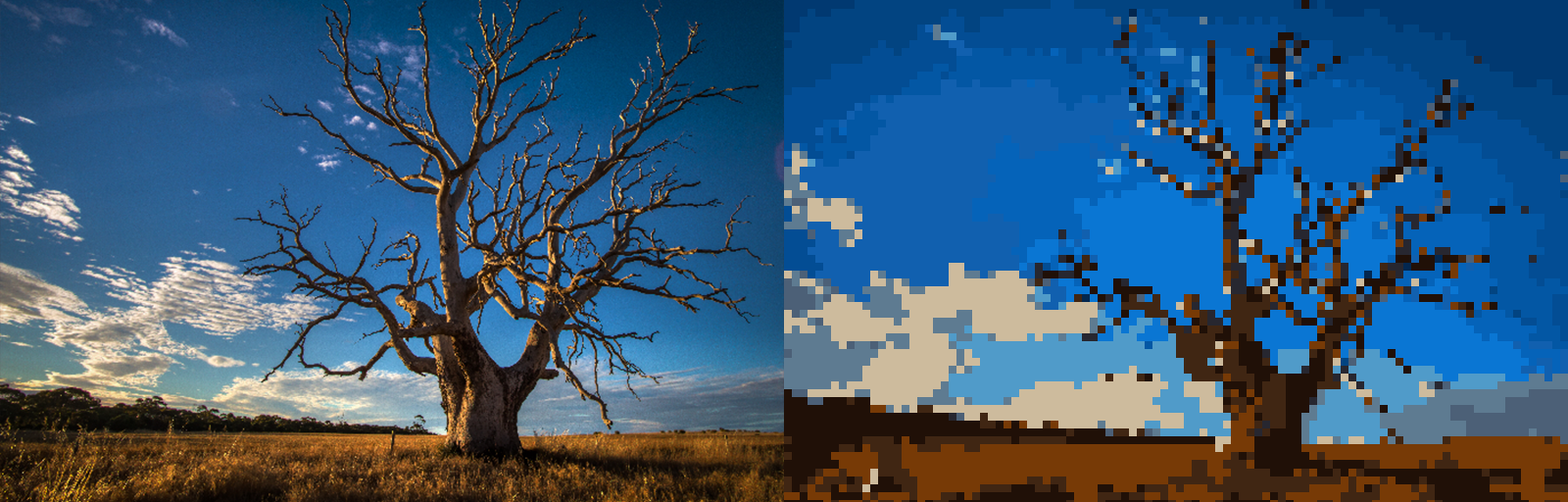
- Pixelation isn’t always perfect minor manual cleanup around eyes, faces, or fine details can improve the final art.
 KoiS3V