
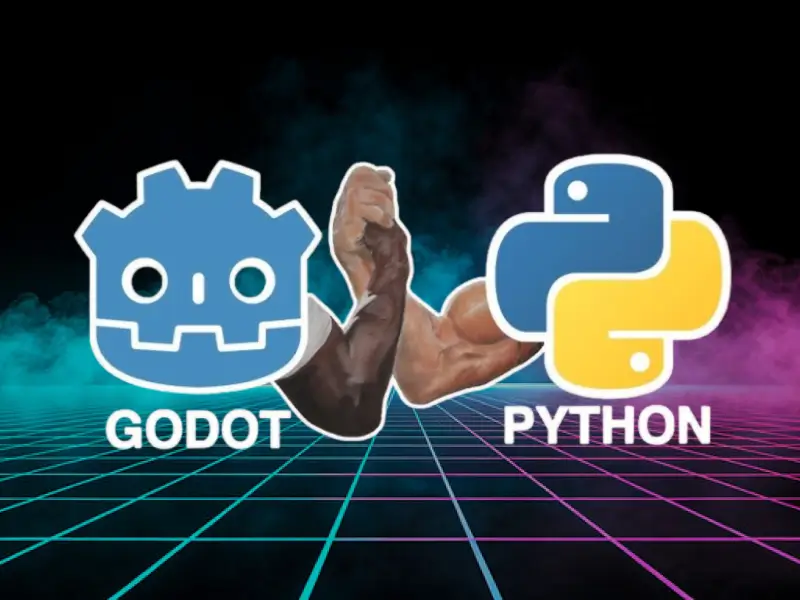
If you thought Godot was only for GDScript, think again! What if I told you you could build games in Godot using Python the language you already know and love? Yes… Python in Godot is real! In this guide, you’ll learn exactly how to make it happen step-by‑step + no confusing jargon.
Why It’s a Big Deal
- Build games without learning a whole new language
- Use Python libraries directly in game code
- Create 2D and 3D games faster than ever
- Perfect for beginners and experienced Python devs
What You’ll Build
By the end of this guide, you will have:
✅ Set up Godot to work with Python
✅ Created your first Python‑powered Godot game
✅ Debugged your script like a pro
✅ Understood how Python interacts with Godot’s engine
1. Stop! What You Need Before You Start
Before we dive in:
✔ Godot Engine (version 3.x or higher)
✔ Python 3.8+ installed
✔ A text editor (VS Code or Godot’s built‑in editor)
2. Install the Python Plugin for Godot
Yes, you need a plugin.
It’s called Godot Python (GDExtension or NativeScript)
Here’s how to install it:
- Download from the official repo
- Add it to your Godot project
- Enable it in Project Settings
Boom! Python support activated!
3. Write Your First Python Script in Godot
Instead of GDScript…
extends Node2D

func _ready(self):
    print("Hello Python in Godot!")
That’s it!
Run it and watch the magic happen!
4. Make Your First Interactive Game
Let’s create a simple player movement controller:
extends KinematicBody2D

def _physics_process(self, delta):
    velocity = Vector2()
    if Input.is_action_pressed("ui_right"):
        velocity.x += 200
    if Input.is_action_pressed("ui_left"):
        velocity.x -= 200
    self.move_and_collide(velocity * delta)
You’re literally coding in Python
…and seeing results instantly!
5. TOP 5 Python Tricks for Godot Game Dev
- Use Python modules like
random,math, or even AI libs - Debug with print statements + breakpoints
- Organize your code with Python classes
- Mix Python + Godot nodes for power + flexibility
- Use Python for AI logic like pathfinding
Common Mistakes to Avoid
🚫 Trying to import non‑supported Python modules
🚫 Forgetting to enable the plugin
🚫 Misnaming your script files
Avoid these and you’ll save hours!
Want the Ultimate Game Template?
Drop your email and I’ll send you:
✅ A starter Python + Godot project
✅ Extra tips for publishing your first game
✅ Bonus Python game scripts